
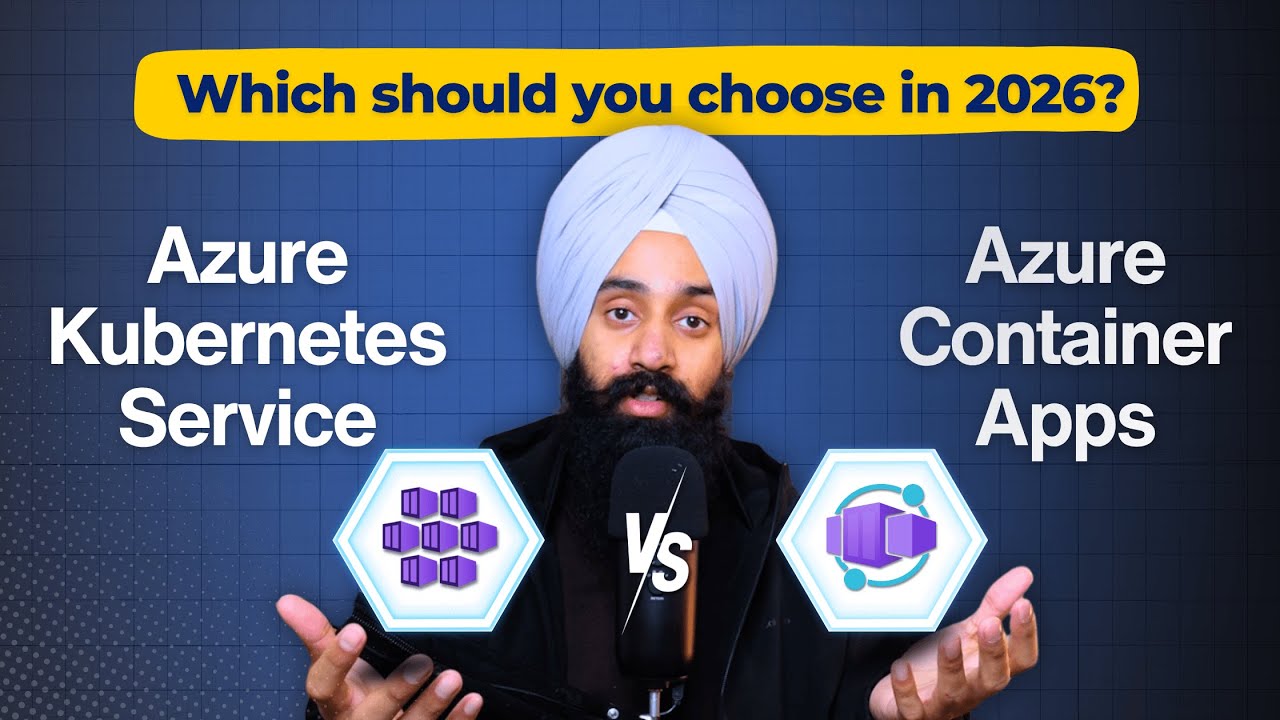
Azure Container Apps vs AKS: Which Should You Learn First?
A practical guide to choosing between Container Apps and Kubernetes based on your actual needs.
"Should I learn Kubernetes?"
I get this question constantly. And my answer has changed over the past couple years.
In 2023, I would have said yes, absolutely. Kubernetes was the clear path for anyone working with containers.
In 2025? It depends on what you're actually building.
The Honest Comparison
Azure Kubernetes Service (AKS)
What it is: Full Kubernetes, managed by Azure. You get a control plane, you manage worker nodes, you handle all the Kubernetes complexity.
When it makes sense:
- Large-scale applications with complex networking requirements
- Teams that already know Kubernetes
- Workloads requiring custom operators or CRDs
- Multi-cloud strategies where K8s skills transfer
The reality: Most teams don't need this level of control. And the learning curve is steep.
Azure Container Apps
What it is: Serverless containers built on Kubernetes (under the hood) but abstracting away all the complexity.
When it makes sense:
- Microservices and API backends
- Event-driven applications
- Teams that want containers without Kubernetes complexity
- Startups and small teams
The reality: For 80% of container workloads, this is the right choice.
What Container Apps Gets Right
1. No Cluster Management
With AKS, you're responsible for:
- Node pool sizing and scaling
- Kubernetes version upgrades
- Node security patches
- Cluster networking configuration
Container Apps handles all of this. You just deploy your container.
2. Built-in Scaling
Scaling rules in Container Apps are simple:
scale:
  minReplicas: 0
  maxReplicas: 10
  rules:
    - name: http-requests
      http:
        metadata:
          concurrentRequests: "100"
In AKS, you'd need to set up the Horizontal Pod Autoscaler, configure metrics, and potentially install KEDA. Container Apps has KEDA built in.
3. Scale to Zero
Your app can scale to zero replicas when idle. You pay nothing. When a request comes in, it scales up automatically.
Try doing that in AKS without significant additional configuration.
4. Simpler Networking
Ingress in Container Apps is automatic. In AKS, you're choosing between nginx, Traefik, Application Gateway, and a dozen other options - then configuring them yourself.
When You Actually Need AKS
Don't get me wrong. AKS has its place:
- Windows containers: Container Apps has limited Windows support
- GPU workloads: AKS gives you GPU node pools
- Stateful applications: AKS handles persistent storage better
- Custom networking: Specific CNI plugins or network policies
- Compliance requirements: Some regulations require infrastructure control
My Recommendation for Learning
If you're new to containers:
- Start with Container Apps
- Deploy a simple web app
- Set up scaling rules
- Connect to other Azure services
You'll be productive in a day, not a month.
If you need Kubernetes specifically:
- Learn Kubernetes concepts locally (minikube, kind)
- Move to AKS for managed experience
- Understand what AKS manages vs what you manage
- Accept that you're signing up for ongoing maintenance
The Career Perspective
"But don't I need Kubernetes on my resume?"
Kubernetes experience is valuable. But so is knowing when NOT to use Kubernetes.
The engineers I respect most can explain why they chose Container Apps over AKS for a project. They understand the tradeoffs and optimize for the actual problem, not the resume line item.
Both skills are valuable. But one is dramatically faster to learn and covers most use cases.
Start with Container Apps. Add Kubernetes when you have a specific reason.
Read Next
Why Most People Get Stuck Learning Azure (And How to Fix It)
If you're bouncing between tutorials and still feel lost, here's a practical way to build momentum in your cloud career.
Azure Static Web Apps Is the Most Underrated Service for Developers
Why Azure Static Web Apps should be your default for frontend deployments - free tier, zero-config CI/CD, built-in auth, and API routes included.